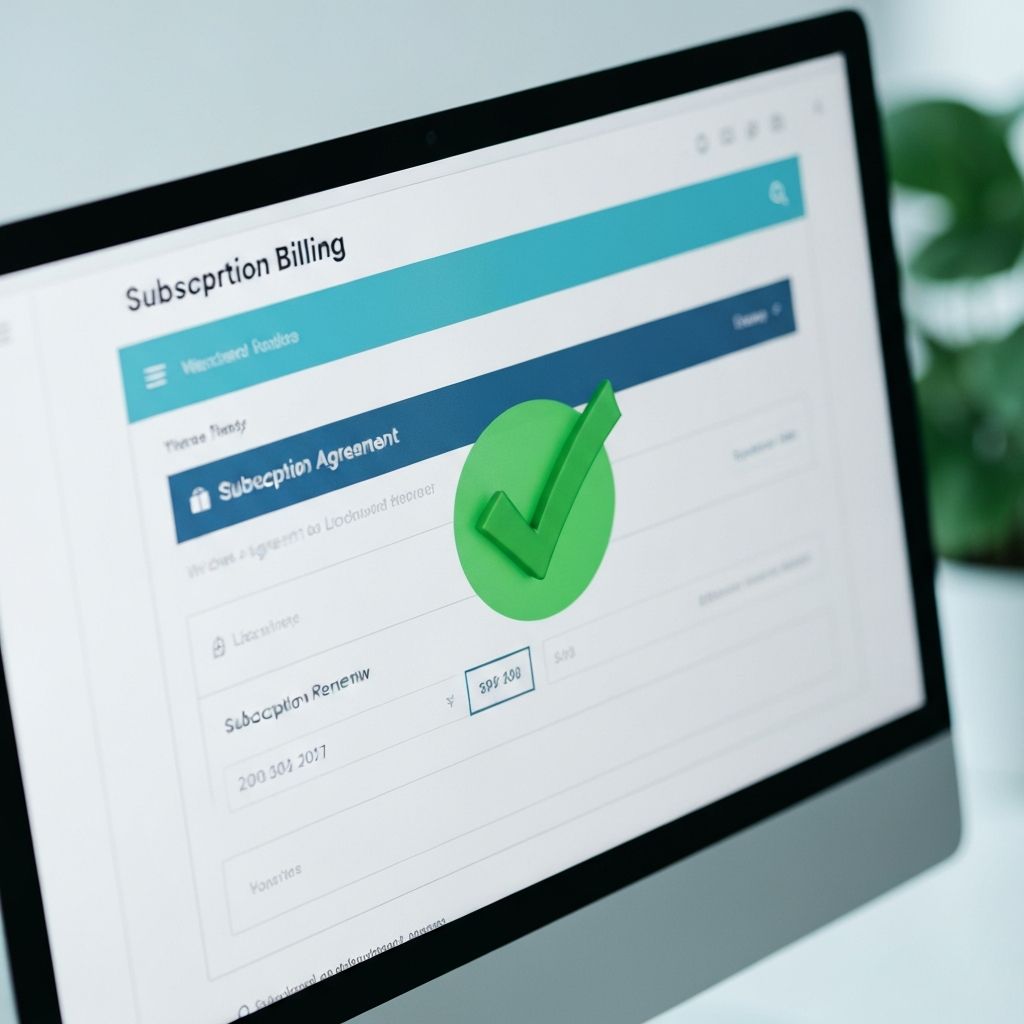
How to Verify Your Commercial License
One of the most important steps in listing a track on SongAcquire is proving that you held a valid paid commercial license at the time of creation. This guide walks you through exactly how to do it.
Why It Matters
AI music platforms like Suno and Udio offer both free and paid tiers. The critical distinction is that only paid plans grant commercial rights to the generated output. If you created a track on a free plan, you do not have the legal right to sell it commercially.
Step 1: Access Your Account Settings
Log into your Suno or Udio account and navigate to the billing or subscription section. You need to find the page that shows your current plan status and billing history.
Step 2: Take the Screenshot
Capture a clear screenshot that shows: your username, the plan name (Pro, Premier, etc.), the billing date that covers the period when your track was created, and any confirmation of commercial rights.
Important
Make sure the screenshot clearly shows the date range of your subscription. If you upgraded after creating the track, it may not qualify. The license must have been active at the time of generation.
Step 3: Upload During Listing
When you reach Step 3 of the SongAcquire upload flow, you will see the "Commercial Plan Verification" field. Upload your screenshot or screen recording there. Our team verifies this during the review process.
What Happens If Verification Fails?
If we cannot verify your commercial license, your listing will be placed on hold and you will receive a notification with instructions to re-upload. No listing goes live without verified commercial rights.